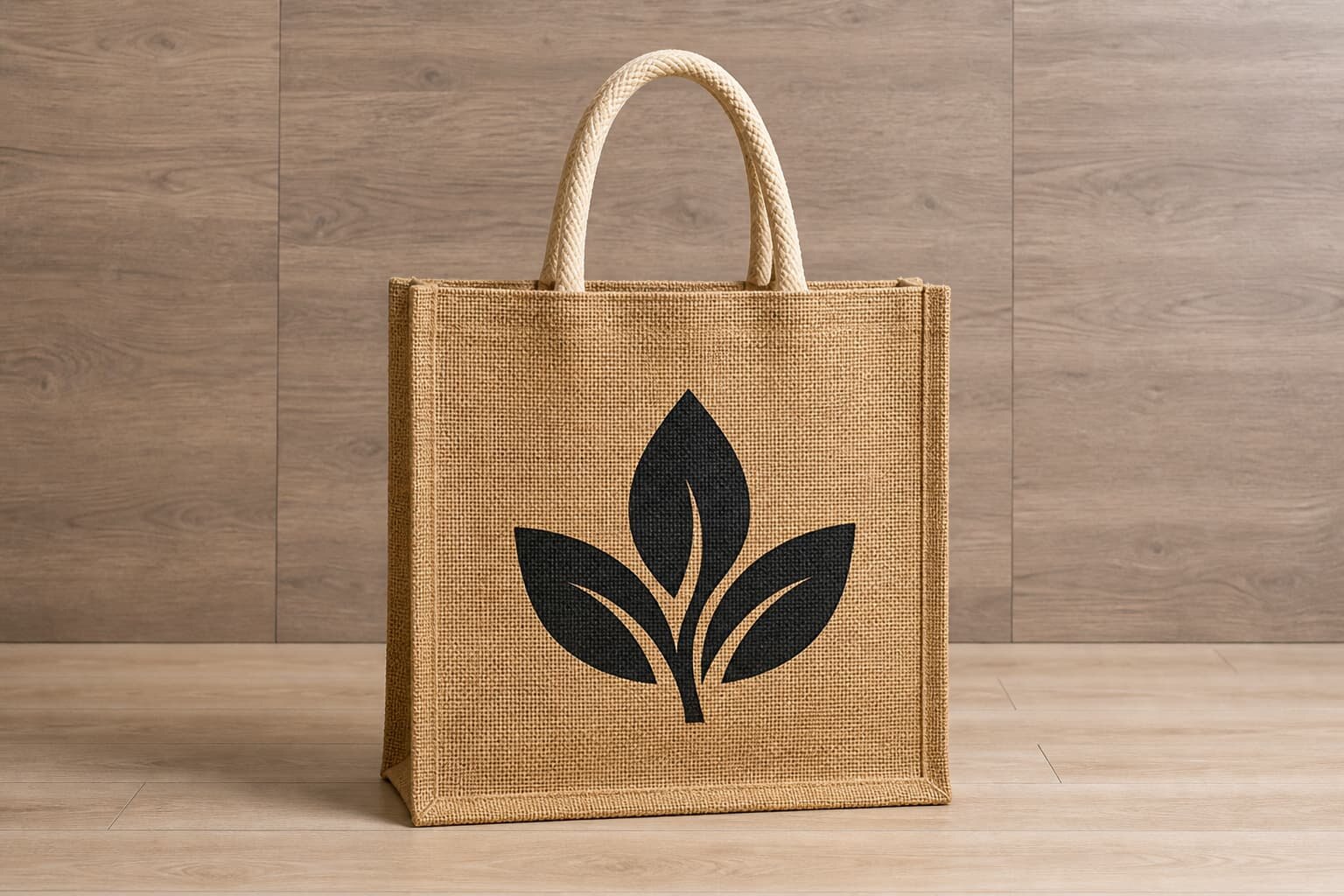
Why Artwork Approval Fails on Jute Burlap Bags
Jute burlap is not a flat paper surface. The open weave, loose fibers, slubs, and natural color variation can change how a logo looks after printing. A clean vector file may become rough at the edges, small text may fill in, and a light ink color may lose contrast against the brown base. This is why a jute burlap bag artwork approval tracker should not be treated like a simple digital mockup approval.
The buying problem is usually not that the supplier cannot print. The problem is that the RFQ does not define what is approved, who approved it, and which version controls bulk production. When several buyers, designers, merchandisers, and factories exchange files by email, the factory may produce from an old logo size, a low-resolution PDF, or a placement sketch that was never meant for production.
- Use the tracker to freeze the artwork version before sample making.
- Separate bag construction approval from logo execution approval.
- Record whether approval is based on digital proof, strike-off, or physical bag sample.
- Make the tracker the reference document for both quotation and final inspection.
Define the Bag Before You Approve the Logo
Artwork approval is unreliable if the bag specification is still moving. A 300 x 350 mm flat jute tote, a 350 x 400 x 150 mm grocery bag, and a narrow jute wine bag all need different logo scaling. A logo that looks balanced on a square tote may look too wide on a wine bag or too low on a gusseted shopper. Before the factory prepares artwork, lock the finished bag size, gusset, handle type, and fabric weight.
For common jute burlap bags, buyers often request 260-320 GSM fabric for reusable retail and gift packaging. Lighter material can work for low-cost promotions, but it may wrinkle more and provide less support for a crisp front-panel print. Heavier jute gives a stronger hand feel but increases carton gross weight and may raise freight cost. If lamination is added, the printing surface and bag stiffness change again.
- Flat tote: approve logo against the visible front panel, not the total fabric cut size.
- Gusseted shopper: avoid placing artwork too close to side folds that expand in use.
- Wine bag: check logo height because the front panel is narrow and tall.
- Drawstring jute pouch: keep artwork below the drawcord channel and away from gathered fabric.
- Laminated jute: confirm whether printing is on jute surface, laminated surface, or a cotton panel.
Build the Tracker Around Decisions, Not Email Comments
A useful artwork tracker is a decision record. It should show the current artwork file name, revision number, approved print size, print position, color reference, sample status, pending comments, and final approval date. This prevents the common problem where a buyer says the logo is approved, while the factory still has open questions about Pantone color, line thickness, or placement.
Keep the tracker simple enough for a factory merchandiser to maintain during development. A complicated spreadsheet with twenty unused columns will not help if the key production decisions are missing. The best format is usually one sheet for bag and artwork specifications, one sheet for sample comments, and one sheet for packing artwork if the order has retail labels or distributor carton marks.
- Artwork file name: include date or revision code, such as CTM_logo_front_R3.pdf.
- Approval basis: digital proof, print strike-off, sewn sample, or full pre-production sample.
- Responsible person: name the buyer-side approver and supplier-side merchandiser.
- Status: open, revised, approved for sample, approved for bulk, or rejected.
- Evidence: link photos with rulers, signed sample images, or PDF proof pages.
Choose the Right Print or Branding Method
Screen printing is usually the most practical method for jute burlap bags when the artwork is bold and uses solid colors. The ink deposit can sit on the rough surface better than very thin print processes, but the result will still follow the weave texture. Buyers should avoid judging jute print by the same standard used for coated paper bags or smooth cotton canvas.
If the logo contains fine lettering, thin outlines, small icons, gradients, or luxury packaging details, consider a cotton patch, woven label, embroidery on a patch, or a sewn PU badge. These options may add tooling or MOQ requirements, but they reduce the risk of unreadable artwork on coarse burlap. The tracker should record why the method was chosen so later cost comparisons do not treat all quotes as equal.
- Screen print: suitable for bold logos, simple text, and economical bulk orders.
- Heat transfer: can hold more detail, but adhesion and hand feel must be tested on jute.
- Cotton patch: useful when the buyer wants clean artwork on a natural jute bag.
- Woven label: good for small brand marks, side labels, and repeat retail programs.
- Embroidery: better on a patch or canvas panel than directly on loose burlap.
Set Realistic Artwork Acceptance Criteria
Acceptance criteria should reflect the material. Natural jute may have darker fibers, thick yarns, vegetable matter, and weave gaps. These are not always defects. However, missing logo strokes, wrong color, crooked placement, ink smearing, or print too close to the seam are production issues. If the tracker does not separate material variation from artwork defects, inspection becomes subjective and slow.
A practical approval standard can include tolerance for placement, print size, color, and visual clarity. For example, a buyer may allow a few millimeters of position tolerance but reject a logo that crosses the bottom fold or loses readable text. The exact tolerance should depend on the bag size, artwork type, and retail requirements. Do not ask the factory to meet unrealistic paper-print tolerances on open-weave burlap.
- Position tolerance: define from top edge and side seam using ruler measurements.
- Logo size tolerance: state acceptable width and height variation in millimeters.
- Color tolerance: use Pantone as a target, but approve against physical sample on jute.
- Line clarity: mark critical small text or icons that must remain readable.
- Defect boundary: define when jute slubs are acceptable and when they damage the brand mark.
Use Samples to Prevent Bulk Production Arguments
A digital proof is helpful for checking layout, but it cannot show ink absorption, jute hairiness, fabric shade, or the way handles affect the front panel. For orders where the logo is important, request a physical pre-production sample using the quoted fabric GSM, handle material, print method, and packing method. If cost or time is tight, ask at minimum for a print strike-off on the actual jute material.
Sample comments should be written as production instructions, not personal opinions. Instead of saying the logo looks small, write that the approved logo width should increase from 120 mm to 145 mm and remain centered 90 mm below the top edge. Instead of saying the print is dull, record whether the ink color should be adjusted, the print method changed, or a patch used instead.
- Check the sample under normal retail viewing distance and close inspection.
- Photograph logo placement with a ruler in the frame.
- Compare the sample to the approved file and Pantone target under consistent lighting.
- Confirm whether sample corrections require a new sample or written approval only.
- Keep the approved physical sample for final inspection reference when possible.
Understand MOQ and Cost Drivers in Artwork Approval
MOQ is not only about the number of bags. It can be driven by jute fabric purchasing, screen setup, ink mixing, patch production, woven label weaving, handle material, or carton printing. A supplier may quote a low bag MOQ but require a higher MOQ for a custom woven label. Another supplier may accept a small order but charge separate screen, sample, and setup fees. The tracker helps buyers see which artwork decisions create cost.
When comparing quotes, ask factories to break out artwork-related charges instead of only giving one unit price. A slightly higher unit price may be more competitive if it includes screen charges, sample revision, label setup, and proper carton marking. For distributor programs with several SKUs, also ask whether one screen can be used across sizes or whether each size and logo position needs separate setup.
- Screen charge: may apply per color and per artwork size.
- Patch MOQ: may be separate from bag MOQ and may require extra lead time.
- Woven label MOQ: often driven by label factory production, not sewing capacity.
- Sample fee: check whether it is refundable, credited, or charged per revision.
- Packing artwork: carton printing and barcode labels may add setup cost.
Control Packing Artwork Alongside Bag Artwork
Many buyers approve the front logo carefully but leave packing marks to the last week. This creates avoidable receiving problems. Carton marks, SKU labels, barcode labels, inner pack quantities, polybag warnings, and country-of-origin wording should be included in the same approval tracker. A correct bag packed under the wrong SKU can still fail a warehouse receiving check.
For jute burlap bags, packing also affects the artwork surface. If printed bags are packed before ink is fully cured, ink may transfer or block against another bag. If bags are folded through the logo, a crease may weaken the visual presentation. Ask the factory to confirm the folding method, inner quantity, desiccant use if needed, carton size, gross weight, and whether printed surfaces are protected.
- Approve carton mark layout before carton printing starts.
- Check whether barcodes scan after label printing, not only in PDF form.
- Confirm if bags are folded logo-in or logo-out.
- Avoid hard folds directly through important artwork when retail presentation matters.
- Request carton CBM and gross weight for freight planning before order confirmation.
Plan Lead Time Around Approval Gates
Lead time should be built around decision gates, not only factory production days. A realistic timeline includes artwork proofing, buyer review, sample making, sample courier, sample comments, revised sample if needed, bulk material preparation, printing, sewing, packing, inspection, and shipment booking. If the buyer takes five days to approve each artwork revision, the production schedule moves even if the factory is ready.
For time-sensitive retail launches, define a cutoff date for artwork approval. If the artwork is not approved by that date, the buyer should know whether the order ships late, moves to a simpler logo method, or proceeds with approved default placement. This avoids pressure at the factory floor where workers are asked to print before the buyer has resolved artwork questions.
- Artwork proof: allow time for factory layout and buyer-side review.
- Physical sample: include production time and courier transit, not only sample making days.
- Material booking: confirm whether bulk jute is purchased before or after sample approval.
- Printing window: reserve capacity only after final artwork and color are approved.
- Inspection: schedule after packing artwork and carton marks are complete.
How to Use the Tracker in an RFQ and Quote Comparison
Send the tracker with the RFQ instead of asking suppliers to guess from a logo file and bag photo. A good RFQ for jute burlap bags should include finished size, GSM, lamination, handle type, print method preference, artwork size, safe zone, sample requirement, packing details, order quantity, destination, incoterm, and target delivery window. This allows the supplier to quote the same product instead of filling gaps with assumptions.
When quotes come back, compare the technical scope before comparing price. One supplier may quote 220 GSM unlaminated jute with a small one-color print, while another quotes 320 GSM laminated jute with a sewn cotton patch and printed carton marks. Those are not comparable offers. Use the tracker to mark included, excluded, and unclear items, then ask the factory to revise the quote before internal approval.
- Check GSM, size, handle, and lamination before unit price.
- Confirm the quote includes the approved artwork method and number of colors.
- Separate one-time charges from repeat-order unit cost.
- Ask for carton size, gross weight, and CBM to estimate landed cost.
- Keep quote validity and lead time tied to final artwork approval date.
Specification comparison for buyers
| Spec decision | Recommended option | When it fits | Buyer risk to check |
|---|---|---|---|
| Main fabric weight | 260-320 GSM laminated or unlaminated jute | Standard retail gift bags, wine bags, event bags, and reusable shopping bags needing a natural look | Lower GSM may distort print and show more weave gaps; higher GSM increases carton weight and freight |
| Artwork method | Screen print with thick ink deposit | One to three solid colors, bold brand marks, large readable logos on coarse jute | Fine lines, small reversed text, and gradients may break because burlap weave is uneven |
| Premium logo option | Cotton patch, woven label, or leather-look PU badge sewn on | Small detailed logos, boutique packaging, gift sets, or when print clarity is more important than low unit cost | Patch size, stitch allowance, and label MOQ must be quoted separately from bag MOQ |
| Artwork placement | Centered within a safe zone at least 25-35 mm from seams and bottom fold | Most front-panel tote, wine, and drawstring jute bag layouts | Logo may tilt or disappear into seam bulk if supplier prints too close to edges |
| Sample approval | Physical pre-production sample using bulk fabric and production ink | Orders where color, logo size, or retail presentation must match a signed buyer standard | Digital mockups do not show ink absorption, jute hairiness, or handle obstruction |
| Packing artwork | Carton mark and polybag label approved in the same tracker | Distributor and retail orders needing SKU, PO, barcode, or country marking control | Wrong outer carton marks can delay receiving even when the bag artwork is correct |
Buyer checklist before sampling
- Attach vector artwork in AI, EPS, or editable PDF plus a flattened PDF for visual reference.
- State bag type, finished size, gusset, handle style, fabric GSM, lamination choice, and target MOQ.
- Mark the approved print size in millimeters, not only as a percentage of the bag front.
- Define the print safe zone from seams, bottom fold, handle stitch boxes, eyelets, or drawcord tunnels.
- Confirm whether artwork color is Pantone coated, Pantone uncoated, or factory ink match on natural jute.
- Require a physical pre-production sample when logo accuracy affects retail acceptance.
- Record buyer comments, supplier replies, revision numbers, approval date, and approver name.
- Approve packing artwork separately: polybag warning, carton mark, SKU label, barcode, and inner quantity.
- Ask supplier to confirm whether final bulk will use the same fabric lot and print process as the approved sample.
- Keep one signed sample or photo record as the inspection reference for bulk shipment.
Factory quote questions to send
- What jute GSM and construction are you quoting, and is the fabric laminated or unlaminated?
- Which print method are you using for this artwork: screen print, heat transfer, embroidery, patch, woven label, or another process?
- What is the minimum line thickness and smallest readable text height you can hold on this jute weave?
- Can you print the requested logo size within the safe zone without crossing seam bulk or handle reinforcement?
- Is the quoted MOQ driven by bag production, screen setup, patch production, label weaving, or fabric purchasing?
- Does the sample charge include artwork setup, screens, print strike-off, packing label proof, and courier cost?
- Will the pre-production sample use the same GSM, lamination, handle material, ink, and sewing method as bulk?
- What lead time applies for artwork proof, sample making, buyer approval, bulk production, packing, and final inspection?
- How will you control artwork color variation on natural jute between fabric lots?
- What quote data is included: unit price, sample fee, screen charge, label charge, carton size, gross weight, CBM, incoterm, and validity?
Quality-control points to confirm
- Check print position from top edge, side seam, and bottom fold against the approved tracker dimensions.
- Compare logo size, color, line sharpness, and missing ink against the signed pre-production sample.
- Inspect whether jute hairiness, weave slubs, or lamination bubbles interrupt important artwork details.
- Confirm handle stitching or drawcord tunnels do not cover, bend, or visually crowd the logo.
- Rub test printed areas lightly to detect poor ink curing or transfer onto adjacent bags.
- Check carton marks, SKU labels, inner pack quantity, and barcode placement against the approved packing artwork.
- Record deviations with photos showing ruler measurements, not only close-up cosmetic images.
- Separate natural jute variation from real print defects by using agreed acceptance criteria before inspection.