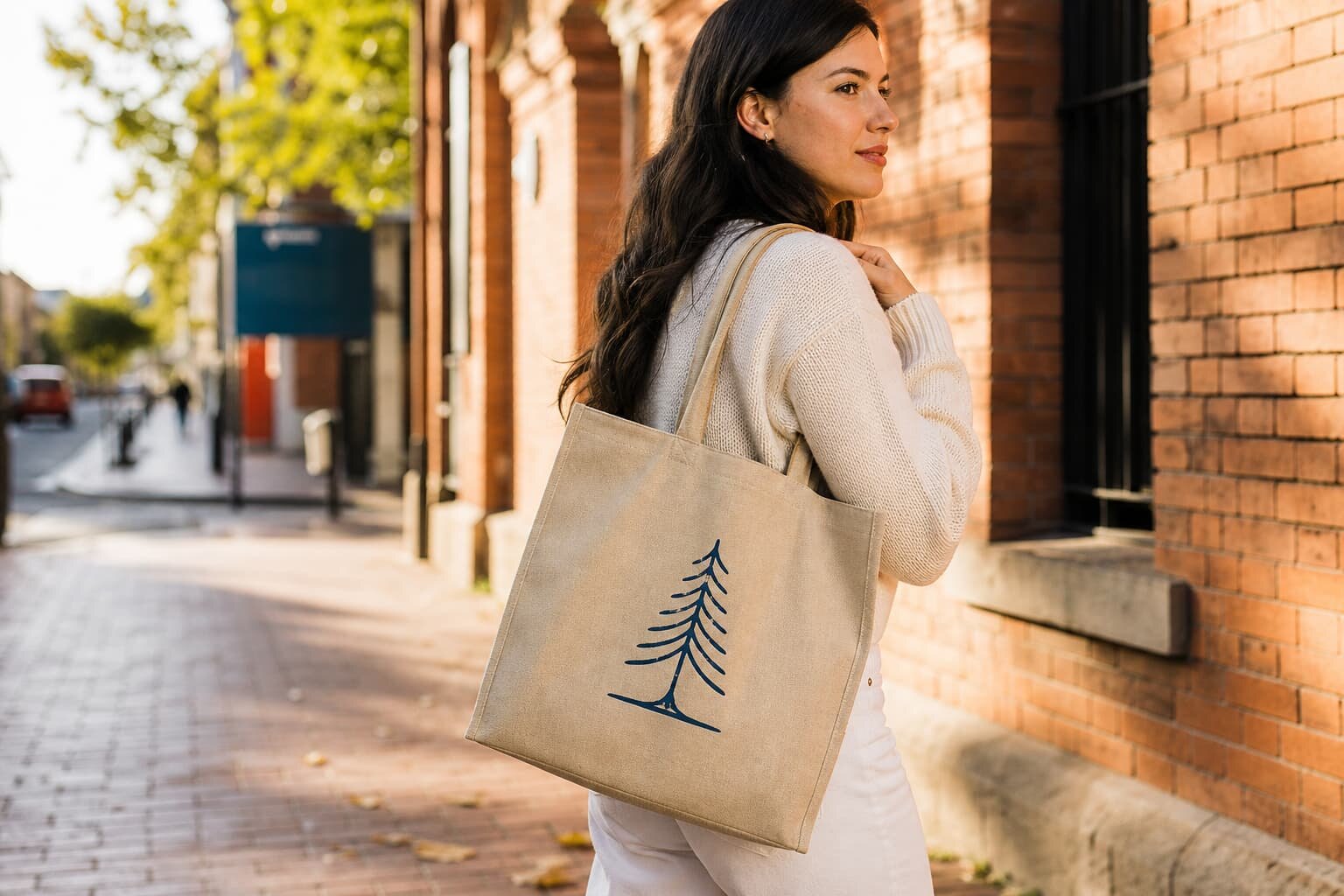
The Buying Problem: A Good Tote With a Bad Logo Still Fails
Canvas tote bag print registration is not only a print shop issue. For a buyer, it controls whether the finished bag looks like approved merchandise or like a cheap giveaway. A tote may use good cotton canvas, strong stitching, and clean packing, but if the logo is 8 mm off center, the red layer sits outside the black outline, or the artwork tilts toward one handle, the receiving team will still reject cartons or ask for discounts.
The risk increases when the RFQ says only “print logo on front” without placement tolerance, print method, artwork size, fabric weight, and approval standard. Factories then quote different assumptions. One supplier may plan screen print on finished bags, another may print on panels before sewing, and another may quote heat transfer for the same design. Their prices are not comparable unless the buyer controls the registration checklist.
- Use this checklist when the logo position, brand color, or multi-color artwork must be repeatable across bulk production.
- Treat print registration as a product specification, not a visual preference left until final inspection.
- Ask for measurement-based approval because “looks centered” is not a production standard.
- Separate bag construction approval from print approval; both can pass or fail independently.
Start With the Bag Construction Before You Approve the Print
Print registration depends on the bag body. A flat tote without gusset is easier to align than a thick bottom-gusset tote. A short handle can visually crowd the logo even when the measurement is correct. A boxed bottom seam can pull the front panel slightly after sewing. If the print is approved before the bag construction is fixed, the final position may move when the pattern, seam allowance, or handle placement changes.
Procurement teams should lock the basic canvas tote specifications before judging the artwork. For common cotton canvas tote bags, buyers often compare 8 oz, 10 oz, 12 oz, and 16 oz fabrics. In GSM terms, that can roughly sit from about 220 GSM to 450 GSM depending on weave and finish. Lighter canvas is cheaper and folds easily, but it can stretch during printing. Heavier canvas feels more retail-ready, but thick seams and fabric texture may affect print pressure and ink coverage.
- Finished bag size: width, height, gusset, and tolerance after sewing.
- Fabric weight: quote in oz and GSM so suppliers do not substitute a lighter cloth.
- Handle specification: length, width, webbing or self-fabric, X-stitch or reinforced stitch.
- Fabric finish: natural, bleached, dyed, washed, unwashed, or laminated if relevant.
- Print zone: available flat area after allowing clearance from seams, handles, and bottom fold.
Choose the Print Method Based on Artwork, Not Habit
Screen printing remains the practical choice for many canvas tote bag orders because it gives solid spot colors, good repeatability, and efficient unit cost at quantity. It works well for one-color logos, two-color slogans, and bold retail artwork. However, each color is a separate operation, so registration risk increases with every additional color. Thin outlines, small reversed text, and tight color-to-color borders need tighter setup and better operator control.
Digital printing, heat transfer, embroidery, woven labels, and sewn side labels can all be valid, but they solve different problems. Digital print can handle gradients and many colors, but color on natural canvas will not behave like color on coated paper. Heat transfer can give sharp edges but may feel less integrated with the fabric. Embroidery adds texture but can distort lightweight canvas if the backing and stitch density are not controlled. For a print registration checklist, the most important point is to match the artwork to a method the factory can repeat in bulk.
- Use screen print for bold logos, spot colors, and medium to large repeat orders.
- Use digital print when the artwork has photos, gradients, or many colors with lower quantity.
- Use heat transfer when edge sharpness matters more than natural fabric hand feel.
- Use embroidery for premium texture, but avoid very small text and overly dense designs.
- Use woven labels or side labels when consistent brand placement is more important than a large front graphic.
Define Registration Tolerance in the RFQ
A supplier cannot price or control what the buyer does not define. Registration tolerance should say how far a print may move from the approved position and how far color layers may shift from each other. For many commercial canvas tote bags, a simple one-color front logo may be acceptable at plus or minus 3 mm from the approved center position. A two-color logo with a border may need plus or minus 1 mm to 2 mm between colors. Very small text or fine artwork may require redesign if the tolerance is unrealistic for rough canvas texture.
The tolerance should be linked to a measurement method. Measuring from the top opening may give a different result than measuring from the finished panel centerline, especially if the top hem or side seams vary. A good approval sheet shows the print width, print height, distance from top opening, distance from side seam or centerline, and distance from bottom seam. If the bag has a gusset, mark whether the measurement is taken while the bag is flat or expanded.
- Logo placement tolerance: for example, center position plus or minus 3 mm on finished bag.
- Color-to-color tolerance: for example, multi-color registration plus or minus 1.5 mm.
- Skew tolerance: define maximum tilt, such as no more than 2 mm difference across the logo width.
- Print size tolerance: agree whether finished print can vary by plus or minus 2 percent.
- Measurement condition: flat bag, unfilled, smooth by hand, not stretched.
Panel Printing Versus Finished Bag Printing
One of the most useful questions in a canvas tote RFQ is whether the factory will print before or after sewing. Printing on cut panels allows the printer to work on a flat surface, which is helpful for large artwork, prints close to the bottom, or designs that need consistent pressure. The downside is that sewing can change the final visual position. If the operator takes a little more seam allowance on one side, the print may look off center on the finished bag even though it was correct on the panel.
Printing on finished bags is common for standard front logos with enough clearance from seams and handles. It lets the factory center the logo on the finished product. The risk is that seams, gussets, and handle reinforcements create thickness differences. The platen may not sit perfectly flat, so the print can lose edge sharpness near bulky areas. Buyers should not assume one method is always better. The correct method depends on artwork size, bag construction, print location, and acceptable tolerance.
- Choose panel printing for large graphics, close-to-edge artwork, or higher pressure consistency.
- Choose finished bag printing for centered logos with safe clearance from seams.
- Ask the factory to show the fixture, template, or placement guide used for bulk production.
- Require the pre-production sample to use the same print stage planned for bulk goods.
- Do not approve a panel print sample if bulk will be printed on finished bags, or the reverse.
Sample Approval: What Buyers Should Check Before Bulk Release
The pre-production sample is not just for seeing whether the tote looks attractive. It is the buyer’s last low-cost chance to catch registration, color, ink, and construction problems before hundreds or thousands of pieces are made. The sample should use actual bulk fabric weight, actual fabric color, actual print method, actual handle construction, and the intended packing method if possible. A substitute sample can be useful for early costing, but it should not be the final approval for brand-critical goods.
Photo approval is sometimes acceptable for simple repeat orders, but it is risky for new multi-color prints. Camera angle can hide skew, lighting can change color, and a single beautiful sample may not prove the factory can repeat the result. When time allows, request a physical pre-production sample and keep it as the sealed standard. If physical sample timing is impossible, require high-resolution photos with a ruler at the top, side, and bottom of the logo, plus close-ups of color edges and ink surface.
- Check print position against the approved artwork sheet, not against memory or a catalog image.
- Measure the logo from fixed points and record actual millimeter values.
- Inspect fine text, reversed text, small icons, and color borders under normal viewing distance and close viewing.
- Bend the printed area gently after curing to check cracking or poor ink adhesion.
- Place the sample in the proposed fold position to see whether a crease crosses the logo.
- Keep one signed sample at the buyer side and one at the factory side for bulk reference.
Quote Data That Makes Supplier Prices Comparable
Canvas tote bag quotes often look simple, but print registration costs hide in the details. One supplier may include screen charges and one artwork setup; another may exclude them. One may quote 10 oz canvas while another uses 8 oz. One may plan one carton packing method while another folds through the logo to reduce carton size. If the buyer compares only unit price, the cheaper quote may create higher rejection risk or later add-on charges.
A useful quote should separate bag body cost, printing cost, setup cost, sample cost, packing cost, and any surcharge for multiple artwork versions. MOQ should also be broken down. The bag factory may have one MOQ for cutting and sewing, the printer may have a different MOQ per design, and there may be extra cost for each Pantone color change. This is especially important for distributors handling regional logos, store names, event dates, or private label versions.
- Bag body: fabric weight, size, gusset, handle, seam finish, and stitching standard.
- Printing: method, number of colors, print size, print side, and ink type.
- Setup: screens, plates, digital file handling, sampling, and color matching fees.
- MOQ: total order MOQ, per artwork MOQ, per color MOQ, and reorder MOQ.
- Lead time: sample days, approval buffer, bulk fabric time, print time, sewing time, packing time, and shipping handover date.
- Packing: fold method, units per carton, carton dimensions, carton weight, and barcode or label requirements.
Common Registration Mistakes and How to Prevent Them
The most common mistake is approving artwork without a placement drawing. A logo shown in the center of a PDF is not enough because the factory still needs dimensions. The second mistake is ignoring canvas movement. Cotton canvas is a woven fabric; it can relax, shrink, stretch, or skew slightly during cutting, printing, curing, and sewing. This is why a realistic tolerance is more useful than a perfect-looking digital mockup.
Another frequent problem is choosing artwork that is too fine for the fabric and production method. Natural canvas has yarn texture and small color variation. Very thin lines, tiny type, and close registration between multiple colors may not reproduce like paper packaging. A factory sales engineer should warn the buyer, but buyers should also request a technical review before sample making. Sometimes the best fix is not a more expensive process, but a slightly bolder line, larger type size, wider spacing, or simplified color separation.
- Avoid placing artwork too close to the bottom seam unless panel printing and sewing tolerance are controlled.
- Avoid large solid ink blocks on very lightweight canvas unless the hand feel and curing are approved.
- Avoid tight multi-color outlines on rough natural canvas without a registration tolerance test.
- Avoid changing fabric weight after sample approval because print pressure and color appearance may change.
- Avoid approving only a digital mockup; it does not show fabric texture, ink absorption, or seam distortion.
- Avoid mixed logo versions in unmarked cartons; this causes receiving and distribution errors.
Packing and Lead Time Affect the Print Result
Packing is part of print quality control. If the tote is folded sharply through the logo before the ink has fully cured, the print can crack, transfer, or develop a permanent pressure line. Natural canvas also creases easily, so a carton packed too tightly can make a centered logo look distorted when unpacked. For retail buyers, distributors, and brand owners, the bag must arrive with the print presentable, not just technically printed.
Lead time should include enough time for artwork checking, sample making, buyer approval, bulk printing, curing, sewing if panel printed, final inspection, and packing. Rushed orders often skip the first-production check, which is where registration drift is easiest to catch. If the factory is using screen print, time is also needed for screen making, ink mixing, test printing, and cleaning between color changes. Buyers should build these steps into the purchase order schedule instead of treating printing as a one-day add-on.
- Confirm whether bags are packed flat, half-folded, rolled, or individually bagged.
- Keep the main printed area away from hard fold lines when presentation matters.
- Ask whether ink curing time is included before folding and carton packing.
- Set carton quantity so the printed panels are not crushed under excessive weight.
- For multiple artworks, require carton marks that identify design, color, quantity, and PO line.
- Add approval buffer days for revised samples if the first sample fails registration or color.
Bulk Inspection: Acceptance Criteria for Print Registration
Final inspection should not be a general visual check only. The inspector needs the approved sample, artwork placement sheet, measurement tolerance, and defect classification. For example, a logo 2 mm off center may be acceptable if the tolerance is plus or minus 3 mm, while a logo 6 mm off center should be recorded as a defect. Multi-color misregistration should be checked at the most visible edges, not only at a hidden registration mark.
Buyers should decide in advance which defects are critical, major, and minor. Wrong logo, wrong color, uncured ink transfer, or severe misregistration usually should be major or critical depending on the sales channel. Small pinholes on rough canvas may be minor if they are not visible at normal viewing distance, but this must match the buyer’s market expectation. The inspection plan should include early production checks as well as final inspection, because stopping at 100 pieces is cheaper than sorting 5,000 pieces after packing.
- Critical: wrong artwork, wrong brand name, print on wrong side, ink transfer that damages other bags.
- Major: off-center beyond tolerance, visible skew, poor color registration, cracking, bleeding, or missing ink in key logo areas.
- Minor: small texture-related pinholes within agreed limit, slight shade variation within approved range, minor non-visible placement variation.
- Inspection tools: approved sample, ruler, transparent overlay if needed, Pantone or color standard, lightbox or consistent lighting.
- Sampling point: check first production pieces, mid-production pieces, and packed goods, not only the best samples from the line.
Specification comparison for buyers
| Spec decision | Recommended option | When it fits | Buyer risk to check |
|---|---|---|---|
| Fabric weight for stable printing | 10 oz to 12 oz canvas, approx. 270-340 GSM | Most retail, event, and promotional totes where the logo must look flat and commercial | Very light canvas can stretch during printing; very heavy canvas may need stronger ink deposit and longer curing |
| Print method for simple logos | Screen print with one to three spot colors | Brand marks, slogans, retail graphics, distributor programs, and repeat orders | Each color needs registration tolerance agreed before sampling; ask if trapping or underbase is required |
| Print method for full-color artwork | Digital print or heat transfer depending on fabric and quantity | Gradients, photos, complex illustrations, low MOQ launches, or many SKUs | Color fastness, hand feel, and edge sharpness must be approved on the actual canvas, not only on a paper proof |
| Panel printing stage | Print before bag sewing when artwork sits close to seams or covers a large area | Large front panel prints, edge-to-edge style graphics, or tight placement from bottom seam | Sewing shrinkage and panel handling can shift final position; request finished-bag measurement tolerance |
| Finished bag printing stage | Print after sewing for centered standard logos | Small and medium front logos with enough clearance from seams and handles | Bag thickness near seams can cause uneven ink pressure; confirm minimum clearance from seam and gusset |
| MOQ logic | Separate bag MOQ from print MOQ and color-change MOQ | Mixed artwork programs, multiple store names, regional campaigns, or private label drops | A supplier may quote bag MOQ but hide extra charges for screens, setup, and color changes |
| Approval sample | Pre-production sample on correct fabric, print method, ink color, handle length, and packing | Any order where logo position and brand color are commercially important | A photo approval is not enough for tight registration or color-sensitive artwork; request physical sample when possible |
| Packing method | Flat pack with logo face protected, cartons sized to avoid deep creases | Retailers, online bundles, or buyers who need clean logo presentation after unpacking | Hard folds through the printed area can crack ink, leave pressure marks, or distort a centered logo |
Buyer checklist before sampling
- Confirm final bag size, gusset size, handle length, seam allowance, and whether print is measured from cut panel edge or finished bag edge.
- Specify fabric composition, fabric weight in oz or GSM, color, shrinkage requirement, and whether the fabric is washed, unwashed, bleached, dyed, or natural.
- Send editable vector artwork with Pantone references, print size in millimeters, placement drawing, and minimum distance from seams, handles, gusset, and bottom fold.
- Define print method, number of colors, underbase requirement, ink type, curing requirement, and acceptable hand feel on canvas.
- State registration tolerance for multi-color artwork, such as plus or minus 1 mm for close brand graphics or plus or minus 2 mm for larger casual graphics.
- Require a pre-production sample using actual bulk fabric and actual print method, not a substitute fabric or paper color proof.
- Ask the factory to mark whether the sample is printed on cut panels or finished bags, because placement tolerance and distortion risk differ.
- Approve color under standard lighting and compare both wet-looking fresh ink photos and fully cured sample results if timing allows.
- Check handle stitching does not cover, pull, wrinkle, or visually crowd the printed logo.
- Confirm bulk inspection method: sample size, acceptable defect limits, measurement points, and how off-center or misregistered prints will be classified.
Factory quote questions to send
- Will the logo be printed before sewing on fabric panels or after sewing on finished canvas tote bags, and why do you recommend that method for this artwork?
- What canvas weight in oz and GSM are you quoting, and what is the expected tolerance for fabric weight and finished bag size?
- What is your minimum order quantity for the bag body, the print run, each artwork, and each print color change?
- Which print method are you quoting: screen print, digital print, heat transfer, embroidery, woven label, or another method?
- For screen printing, how many screens are needed, what are the screen charges, and are screen charges repeated for reorder production?
- What registration tolerance can you hold for this artwork on bulk production, and how will your QC team measure it?
- Can you provide a pre-production sample on the actual bulk canvas with the actual ink, curing process, handle construction, and packing method?
- What file format do you need for production, and will your prepress team adjust line thickness, trapping, or underbase before sampling?
- How do you control print position during mass production: fixture, jig, registration marks, panel template, or operator measurement?
- What defects will be treated as major: off-center logo, color shift, ink bleeding, ghosting, pinholes, poor curing, cracking, or print skew?
Quality-control points to confirm
- Measure logo position from the same fixed points used in approval: top opening, side seam, bottom seam, handle stitching, or finished panel centerline.
- Check multi-color registration with a ruler or transparent overlay, not only by eye from a phone photo.
- Compare bulk print color against approved physical sample under consistent light; natural canvas shade can change perceived ink color.
- Rub test the cured print surface after reasonable drying time to identify poor curing, tackiness, powdering, or ink transfer.
- Inspect print edges for bleeding into the canvas texture, skipped ink over thick yarns, pinholes, and uneven pressure near seams.
- Check that folding and carton pressure do not create permanent creases through the printed logo.
- Confirm each artwork version is packed and carton-marked separately if the order contains multiple logos or regional designs.
- Review first 50 to 100 pieces during production, because registration drift often appears after operators speed up the line.