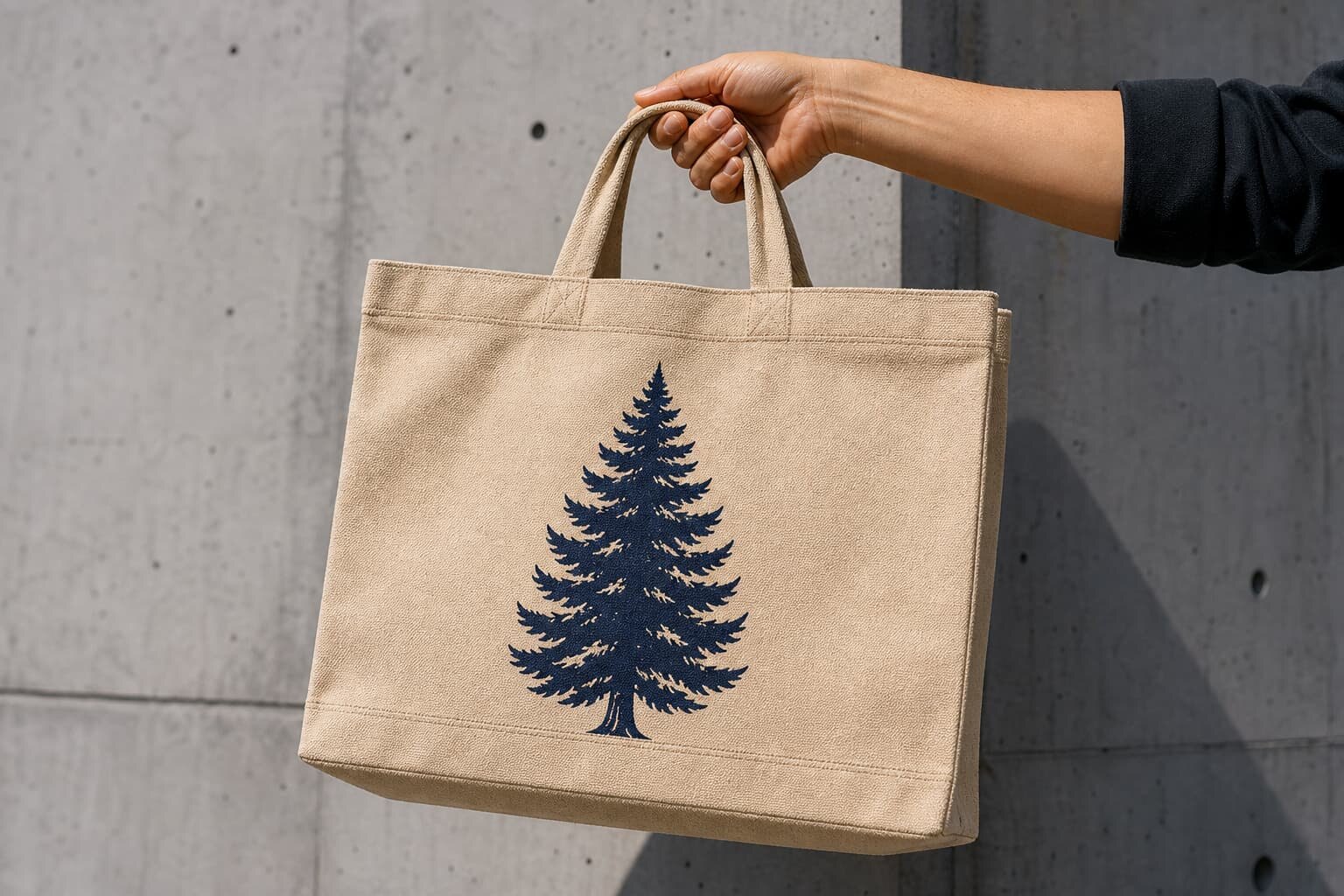
Why this approval file matters before you quote
A canvas tote bag print bleed approval file is not just an artwork file. It is the working document that tells the factory exactly how far the print can move, where the safe area starts, what the final size should be, and which sample the buyer approved. For tote bags, that matters because the print is usually applied to a sewn, textured, slightly flexible surface, not a flat paper sheet. If the file is vague, the factory will guess. That is how you end up with logos too close to a seam, artwork cropped by a pocket, or a design that looked centered on screen but sits low on the actual bag.
Procurement teams should treat the approval file as a risk-control document. It helps the supplier quote the right setup, choose the right print method, and decide whether one sample round is enough or whether a second strike-off is needed. It also gives buying, design, and quality teams one common reference when they compare supplier quotes. If a quote does not ask for bleed, placement, artwork size, and fabric weight, the supplier is probably pricing a generic tote, not your tote.
- Use the approval file to lock print size, bleed, and placement before bulk production.
- Treat it as part of the RFQ package, not as a later design correction.
- Require version control so the factory can prove which file was approved.
What should be inside the file
A proper file should show the final bag size, print area, artwork dimensions, bleed margin, safe zone, fabric color, and print method. It should also note whether the art sits on one panel or crosses a seam, pocket, gusset, or bottom fold. For a canvas tote bag, those details matter because a 1 cm move can change how the logo reads once the bag is sewn, stuffed, and packed. Include both a clean visual proof and a technical page with dimensions in millimeters. If your supplier works from Pantone references, list the solid ink target by code and note whether the factory can match it on natural or bleached canvas.
The file should also carry the practical production data buyers usually forget until the quote is already wrong. Add the fabric GSM or oz weight, handle width and length, thread color if visible, print method, carton pack count, inner packing requirement, and any labeling or barcode placement. If the bag has a lining, gusset, zipper, or contrast handle, state whether those construction details affect the print location. The more the supplier has to infer, the more likely you are to get a revision request later.
- Final bag dimensions and panel layout.
- Artwork size, bleed, and safe zone in mm.
- Fabric GSM or oz weight, color, and finish.
- Print method, color count, and Pantone targets.
- Packaging, labeling, and carton pack count.
Match the bleed spec to the fabric and print method
Bleed is not the same for every tote. On a flat graphic, the main issue is print placement. On a sewn canvas tote, bleed also protects against cut-and-sew variation, seam pull, and minor registration drift. A 3 mm bleed may be enough for a simple centered logo on a stable 12 oz canvas bag, but a design that wraps near a seam or gusset may need a larger allowance. The more textured and open the weave, the more likely thin lines and small type are to soften at the edge, especially with heavy ink coverage. That is why a file built for paper packaging often fails on canvas.
The print method changes the risk profile too. Screen printing usually gives stronger color and lower unit cost at scale, but it needs clear art, a controlled ink deposit, and a strike-off on the actual fabric. DTF or heat transfer can handle multicolor art and smaller MOQs, but the edge finish, hand feel, and long-term wear must be checked carefully. For buyers, the goal is not to pick the trendiest method. It is to match the method to the fabric, run size, and retail expectation so the approval file reflects real production behavior instead of a perfect digital image.
- Use larger bleed when artwork sits near a seam, pocket, gusset, or fold.
- Expect more edge softening on open-weave or lighter GSM canvas.
- Ask the factory to prove the print method on the exact tote construction.
Use a clear measurement system for placement and safe zone
The fastest way to avoid an argument is to define the print area in numbers, not adjectives. Do not write “centered on front panel” unless you also show the distance from top edge, side seam, and bottom fold. A buyer should specify the final print width and height, the exact placement point, and the no-print safe zone around the artwork. For a tote bag, that safe zone should account for how the bag hangs when filled, not just how it looks flat. A logo that appears safe on a flat sample can shift once the bag is stitched, pressed, or packed.
Give the factory one visual file and one technical file. The visual file is for internal approval; the technical file is for production. Mark the final trim or reference line, even if the tote has no paper-style trim edge. If the artwork crosses a seam, tell the factory whether the seam should bisect the graphic or stay outside it. When buyers leave that decision open, the supplier will make the decision for them, and the result may not match the brand's retail standard.
- State distances from top, side, and bottom references.
- Define a no-print safe zone around all critical artwork.
- Call out seam crossings instead of leaving them to production judgment.
What sample checks matter before you sign off
A digital proof is not enough for canvas tote bags. You need a strike-off or pre-production sample on the actual fabric weight and color, using the same print method and, where possible, the same curing conditions. Check the print size against a ruler, confirm the bleed edge, and inspect the sharpness of thin lines and small text. If the tote is unbleached, natural fiber, remember that the background tone can make white, light gray, and pastel inks look different from screen. The sample should also show how the artwork sits after the bag is folded, sewn, and packed, because that is how the buyer will receive it.
For procurement teams, sample review should be a short, controlled approval process, not an open-ended design conversation. Ask for front, back, and detail photos under neutral lighting. Check one sample flat and one sample lightly filled so you can see distortion. If there is a discrepancy, require the supplier to revise the file, not just the one sample. That keeps the approval history clean and avoids the common mistake of approving a physical sample that no longer matches the file the factory is about to print from.
- Review a strike-off on the exact canvas GSM and color.
- Measure print size and placement against the approved file.
- Check both flat and lightly filled bag photos for distortion.
- Require a revised file if the sample and art differ.
How to compare supplier quotes without missing hidden cost
A good quote should separate fabric, cutting and sewing, print setup, printing, sample cost, packing, and carton work. If those lines are merged into one number, you cannot see where the supplier is saving money or where they plan to recover cost later. On canvas totes, fabric weight and print method often change the real price more than the bag size does. A 10 oz tote with a one-color screen print will not cost the same as a 14 oz tote with a multicolor transfer, even if the outside dimensions are identical. Buyers should insist that each quote states the same fabric spec, same handle spec, same print area, and same pack count.
The approval file directly affects the quote because it reduces guesswork. When the factory knows the bleed margin, artwork complexity, and acceptance tolerance, they can quote setup and sample work more accurately. Use the file to ask for a like-for-like comparison: same canvas weight, same print method, same color count, same packing, same lead time, and same approval round count. If one supplier is much cheaper, check whether they excluded strike-off, changed the fabric, reduced the print area, or assumed a simpler file than the one you sent.
- Ask for a line-item quote, not a single lump sum.
- Compare quotes only after fabric, print method, and packing match.
- Check whether sample cost and setup are included or added later.
MOQ, lead time, and production flow should be stated up front
MOQ logic changes with print method, artwork complexity, and fabric color. A simple one-color screen print may support a lower setup burden per unit at a larger run, while a more complex multicolor design may require a higher MOQ to absorb screen, plate, or transfer setup. The approval file helps the supplier decide whether the order is worth running as a standard batch or whether it needs a special sample path. Buyers should ask for MOQ by design version, not only by bag style, because one bag body can carry several print variants with different economics.
Lead time also depends on approval discipline. If the file is complete and the strike-off is accepted quickly, the factory can often move from sample to bulk in a straightforward sequence. If the artwork changes after sample, the timeline stretches. A realistic buyer should plan for artwork clarification, sample production, sample review, bulk cutting and sewing, printing, curing, packing, and final inspection. Even a well-run tote program can slip if the approval file is missing version control or if the buyer signs off a render that later differs from the physical sample.
- Ask for MOQ by design, not just by tote style.
- Confirm sample-to-bulk timing and revision limits.
- Build version control into the lead-time plan.
Common mistakes that create rework and buyer disputes
The most expensive mistake is approving an image that was never tied to a measured tote bag spec. Another common issue is using a paper or garment artwork file on a canvas bag without adjusting for weave, seam shift, and print distortion. Buyers also get caught when they do not state whether the logo can be scaled slightly to fit the print area. If scaling is allowed, the factory needs a range; if it is not allowed, the file should say so clearly. Without that instruction, production may make a judgment call that the buyer later rejects.
A second group of mistakes comes from weak communication around construction. If the tote has a lining, gusset, or reinforced top edge, those features can alter the print window after sewing. Buyers sometimes approve the front panel alone and forget that the handle anchor points or side seams reduce the usable area. The result is a print that technically matches the artwork but fails the retail eye test. A strong approval file closes those gaps before bulk, not after cartons are already packed.
- Do not approve from a render without measuring the tote spec.
- Do not reuse paper or apparel art without adjusting for canvas behavior.
- State whether scaling is allowed and by how much.
- Check how seams, lining, and reinforcements change print space.
Set practical acceptance criteria before you release bulk
Your approval should state what counts as acceptable and what does not. Define print position tolerance, color tolerance, surface coverage, and any visible edge conditions. For many tote programs, a modest position tolerance is normal, but that tolerance should be written into the file or release note, not left to memory. If the design has fine type, use a tighter standard for legibility. If the artwork is a large block print, define whether small texture variation is acceptable on natural canvas. This avoids disputes when the supplier delivers within the normal manufacturing range but outside the buyer's unstated expectation.
The release note should also connect the artwork to packing. Confirm whether the bags are folded with the print facing in or out, whether each bag is polybagged, and whether the carton should be labeled by size, color, or design code. For retail programs, the same file that controls print approval should also reference barcode, hangtag, and carton marking requirements. That way the factory does not separate artwork approval from packaging approval and create two different versions of the same order.
- Write acceptance limits for position, color, and legibility.
- Tie the artwork approval to folding and packing instructions.
- Match barcode, hangtag, and carton marks to the same version.
A buyer workflow that keeps the file under control
Start with the RFQ package: bag construction, fabric GSM, print method, artwork, packing, and target quantity. Next, ask the supplier to confirm what they can quote without assumptions and what needs clarification. Then issue a marked-up approval file with dimensions, bleed, safe area, and version number. After the strike-off, compare the sample to the file with a ruler, a checklist, and one person assigned to final sign-off. That person should not be changing the art at the same time, because approval and revision are different tasks.
Once the sample is approved, lock the file and distribute only the final version to production, purchasing, and quality control. The best tote programs do not rely on memory; they rely on one reference packet that follows the order through cutting, sewing, printing, packing, and inspection. If there is a late change, update the version number and notify every function. That simple discipline reduces rework, protects MOQ planning, and makes quote comparisons much easier on the next reorder.
- Use one approval packet from RFQ through final inspection.
- Separate revision work from final sign-off.
- Lock and circulate the final version number before bulk release.
Specification comparison for buyers
| Spec decision | Recommended option | When it fits | Buyer risk to check |
|---|---|---|---|
| Print method | Water-based screen print | One to three spot colors, medium to large runs, strong brand colors | Ask for strike-off on the actual canvas weight because ink can feather on loose weave fabric |
| Print method | DTF or heat transfer | Small orders, multicolor artwork, fast sampling | Check edge cracking, gloss, and whether the transfer sits well on coarse canvas |
| Fabric weight | 8-10 oz canvas | Promo totes, lighter retail price point, short-term campaigns | Confirm show-through and print holdout if the artwork uses solid fills |
| Fabric weight | 12-14 oz canvas | Premium retail bags, heavier carry loads, higher perceived value | Ask whether thicker fabric changes print cure time, hand feel, or seam distortion |
| Approval file format | Measured PDF plus editable source files | When internal buying, design, and quality teams all need sign-off | Do not approve from a render only; require dimensions, bleed marks, and placement notes |
Buyer checklist before sampling
- Confirm bag size, fabric GSM, handle length, and seam structure before artwork is finalized.
- State the print method, color count, and whether the design crosses seams, gussets, or pockets.
- Define bleed margin, safe zone, and final print placement in millimeters.
- Request a strike-off or pre-production sample on the exact canvas weight and color.
- Check whether the file includes Pantone references, outline fonts, and linked image resolution.
- Approve the sample against a measured ruler photo, not just a sales image.
- Ask for carton pack count, inner packing, and label placement before bulk release.
- Lock the approval version number so the factory cannot print from an older file.
Factory quote questions to send
- What exact fabric weight, weave, and finished bag size are you quoting, and are they the same as the sample?
- Which print method will you use, what is the setup charge, and how many colors are included in that quote?
- What bleed margin and safe zone do you want in the artwork file for this tote bag construction?
- Will you make a strike-off or pre-production sample on the actual fabric, and how many rounds are included?
- What is the MOQ by print color, by design version, and by fabric color?
- What is the expected production lead time after sample approval, and what can delay it?
- How will the bags be packed per carton, and can you add polybag, insert card, or barcode labels if needed?
- What artwork file formats do you need from us to avoid redraw or reproof charges?
Quality-control points to confirm
- Measure final print size against the approved art file before bulk starts.
- Check bleed coverage at edges, seams, corners, and gussets for any visible white creep.
- Verify ink cure by rub test, especially on dark canvas and dense solid fills.
- Inspect registration between colors if the design uses more than one pass.
- Confirm stitch line interference, since seams can pull artwork off-center after sewing.
- Match the approved version number, carton spec, and packing count on the release document.